May 29, 2026
No Sound? Troubleshooting HDMI ARC and eARC Issues
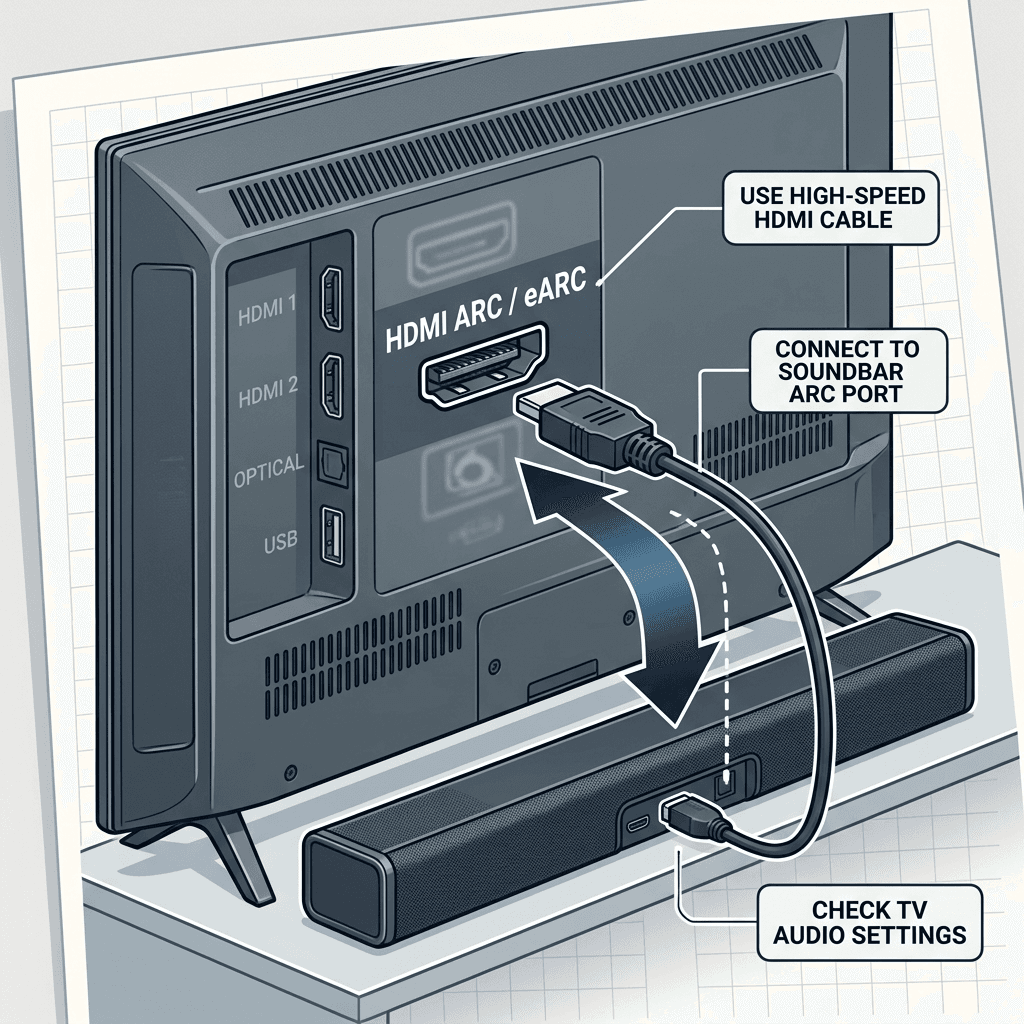
< p > HDMI ARC(Audio Return Channel) is supposed to be simple: one cable carries video to the TV and audio back to the soundbar.But "Handshake Issues" plague us all.Here is how to fix them.
< h2 > 1. Use the Right Port
< p > Look at the back of your TV.Only ONE of the HDMI ports says "ARC" or "eARC"(usually HDMI 2 or 3).You < strong > must < /strong> plug the soundbar into this specific port. Any other port will not send audio back.
2. Enable CEC in Settings
< p > For ARC to work, CEC(control) must be on. < br > Samsung: Settings > General > External Device Manager > Anynet+ (ON) < br > LG: Settings > General > SIMPLINK (ON) < br > Sony: Settings > Watching TV > External Inputs > BRAVIA Sync (ON)3. Change Audio Output Format
< p > If you get silence, your TV might be sending a format(like Dolby Atmos) that your older soundbar doesn't understand. < br > Fix: Go to Sound Settings > Digital Output Format. Change it from "Auto" or "Bitstream" to PCM. < br > PCM is basic stereo.If sound works in PCM, you know the cable is good.Then try switching back to Auto to get surround sound. < h2 > 4. The "Power Cycle"(Handshake Reset) < p > HDMI handshakes can get stuck. < br > 1. Unplug TV and Soundbar from the wall. < br > 2. Unplug the HDMI cable. < br > 3. Wait 60 seconds. < br > 4. Plug power back in. < br > 5. Plug HDMI back in while both are on < /strong>.Conclusion
< p > Still no sound ? Your HDMI cable might be old(Standard vs High Speed). < a href = "/" > Contact us < /a> for a diagnostic visit.Related: check out wire concealment and home theater setup.